


Apple just dropped a bombshell yesterday with the official announcement of the all-new iPad Pro featuring the groundbreaking M5 chip. If you thought the M4 was impressive, wait until you see what Apple has cooked up this time. This isn’t just an incremental update – it’s a complete reimagining of what a tablet can do, especially when it comes to artificial intelligence and creative workflows.

The M5 Chip: A Quantum Leap in AI Performance
Let’s cut straight to the chase – the M5 chip is an absolute beast. Apple claims a whopping 3.5x boost in AI performance compared to the previous generation, and that’s not marketing fluff. The new chip features up to a 10-core CPU and GPU configuration paired with a dedicated Neural Accelerator that’s specifically designed to handle machine learning tasks with unprecedented efficiency.
What does this mean for everyday users? Think lightning-fast photo and video editing with AI-powered features, real-time language translation, enhanced augmented reality experiences, and apps that can adapt to your usage patterns in ways we’ve never seen before. Content creators will particularly appreciate the AI-enhanced video rendering capabilities that can now handle complex 4K footage without breaking a sweat.
The Neural Accelerator isn’t just about raw power – it’s about intelligent power management too. Apple has engineered the M5 to deliver these AI capabilities while maintaining the iPad Pro’s impressive battery life, something that seemed impossible just a few years ago.
Design Evolution: Thinner, Lighter, More Refined
While the overall iPad Pro aesthetic remains familiar, Apple has managed to shave off precious millimeters and grams without compromising structural integrity. The new model is noticeably thinner than its M4 predecessor, making it even more portable for professionals who need to carry their creative studio everywhere.
The camera bump has been refined, and the new Space Black finish option gives the device a more premium, professional appearance. Apple has also improved the thermal management system, which means the iPad Pro can maintain peak performance for longer periods without throttling – crucial for those marathon editing sessions or intensive gaming.
Display Technology: Beyond Liquid Retina XDR
The display upgrades might seem subtle at first glance, but they’re significant for power users. The new iPad Pro now supports Adaptive Sync technology and 120Hz external displays, transforming it into a legitimate desktop replacement for creative professionals.
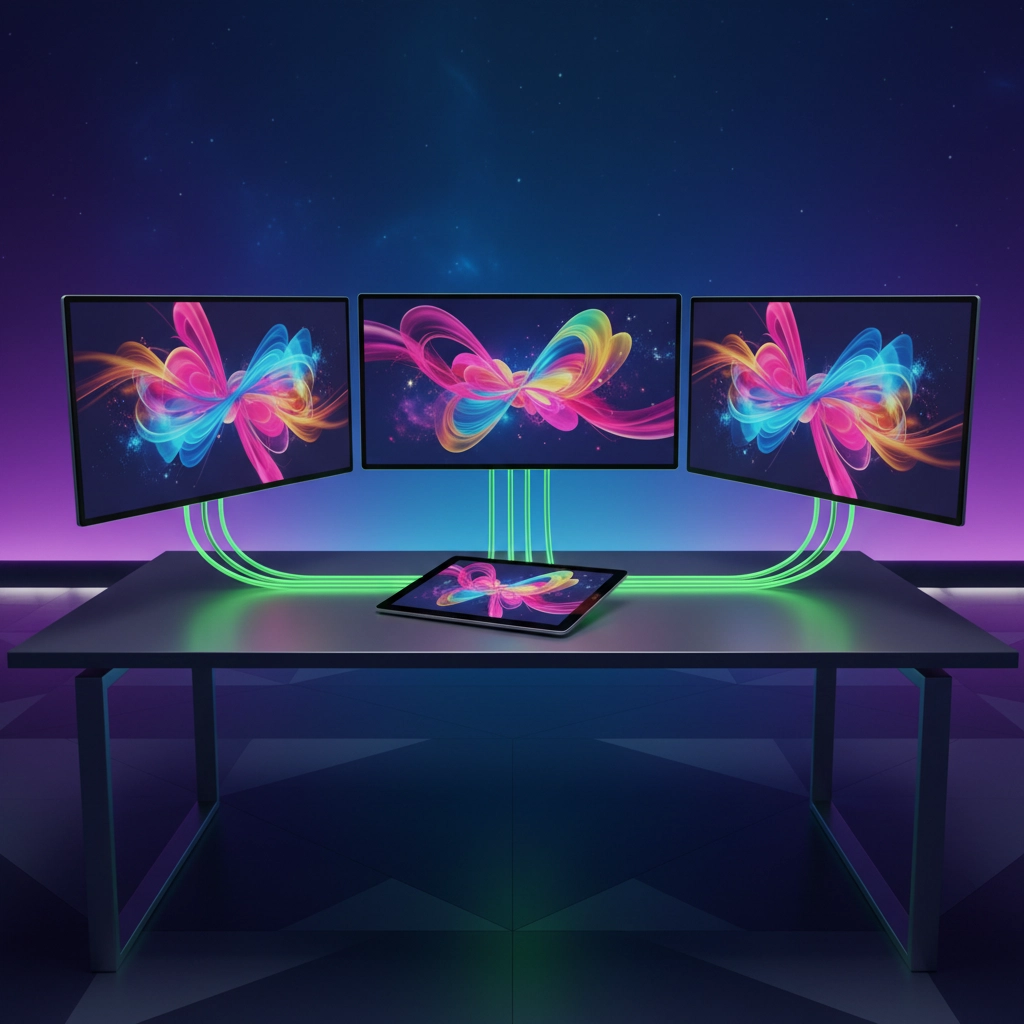
This means you can connect your iPad Pro to a high-refresh-rate monitor and enjoy buttery-smooth visuals whether you’re editing video, designing graphics, or even gaming. The ProMotion technology has been enhanced to work seamlessly with external displays, maintaining that signature Apple smoothness across multiple screens.
The Liquid Retina XDR display itself has received subtle improvements in color accuracy and peak brightness, making it even better for HDR content creation and consumption. For photographers and videographers, this means more accurate color grading and better preview capabilities.
Connectivity Revolution: Welcome to the Future
Perhaps one of the most exciting upgrades is in connectivity. Apple has equipped the new iPad Pro with a C1X modem that delivers 50% faster cellular speeds. If you rely on cellular connectivity for work, this is a game-changer. Upload speeds that used to take minutes now happen in seconds.
But that’s not all – the introduction of the N1 chip brings Wi-Fi 7, Bluetooth 6, and Thread support to the iPad Pro. Wi-Fi 7 means significantly faster and more stable wireless connections, while Bluetooth 6 improves connectivity with accessories and reduces power consumption. Thread support opens up new possibilities for smart home integration directly from your iPad.

For professionals working in the field, these connectivity improvements mean you can upload large video files, sync with cloud services, and collaborate in real-time without the frustrating delays that have plagued previous generations.
Performance Comparison: M5 vs M4 vs M1
Let’s talk numbers because the performance gains are genuinely impressive:
M1 iPad Pro (2021) vs M5 iPad Pro (2025):
- CPU performance: Up to 2.8x faster
- GPU performance: Up to 3.2x faster
- AI/ML tasks: Up to 12x faster
- Memory bandwidth: 3x improvement
M4 iPad Pro (2024) vs M5 iPad Pro (2025):
- CPU performance: Up to 1.4x faster
- GPU performance: Up to 1.6x faster
- AI/ML tasks: 3.5x faster (as mentioned)
- Neural processing: 4x improvement
These aren’t just synthetic benchmark improvements – they translate to real-world performance gains. Video exports that took 10 minutes on the M1 now complete in under 4 minutes on the M5. Complex Photoshop operations with multiple layers happen instantaneously.
iPadOS 26: Software Meets Silicon
Apple hasn’t just improved the hardware – iPadOS 26 has been specifically designed to take advantage of the M5’s capabilities. The new AI-powered Spotlight search can understand context better than ever, finding files and information based on natural language queries.

The updated Final Cut Pro for iPad leverages the M5’s AI capabilities for automatic scene detection, intelligent color matching, and predictive rendering. Logic Pro now includes AI-powered mixing suggestions and can generate accompanying tracks based on your existing composition.
Stage Manager has been refined with better window management and improved multi-app performance, making the iPad Pro feel more like a traditional desktop when you need that workflow flexibility.
Accessories: Apple Pencil Pro and Magic Keyboard Evolution
The Apple Pencil Pro receives its own upgrades to complement the M5’s capabilities. The new pressure sensitivity levels and improved palm rejection work hand-in-hand with the enhanced display responsiveness. Artists will appreciate the reduced latency and more natural drawing experience.
The Magic Keyboard has been redesigned with improved key travel and a larger trackpad that supports more multi-touch gestures. The new function row provides quick access to iPad-specific features without reaching for the screen.
Pricing and Availability: Premium Performance, Premium Price
Here’s where things get interesting – and expensive. The new M5 iPad Pro starts at:
- 11-inch model: $999 (256GB Wi-Fi)
- 13-inch model: $1,299 (256GB Wi-Fi)
- Cellular models add $200 to each configuration
While these prices are higher than the M4 generation, the performance improvements justify the premium for professional users. Apple is clearly positioning this as a laptop replacement rather than just a tablet upgrade.
Pre-orders began immediately after yesterday’s announcement, with the first devices shipping on October 22, 2025 – just six days away.
Who Should Upgrade?
If you’re using an M1 or older iPad Pro, this upgrade is a no-brainer for professional use. The performance improvements alone make it worthwhile, not to mention the connectivity and display enhancements.
M4 iPad Pro users have a tougher decision. If your workflow heavily involves AI-powered applications, video editing, or you need the improved connectivity, the upgrade makes sense. For casual users, the M4 remains perfectly capable.
The Verdict: A True Pro Machine
Apple has delivered something special with the M5 iPad Pro. This isn’t just a tablet anymore – it’s a legitimate computer that happens to be incredibly portable. The combination of raw performance, AI capabilities, and refined software makes it a compelling choice for creative professionals who demand the best.
The real test will be how developers take advantage of the M5’s capabilities over the coming months. If history is any indication, we’re about to see a new generation of iPad apps that push creative boundaries in ways we can barely imagine today.
For Apple, the M5 iPad Pro represents the culmination of years of silicon development and software refinement. It’s proof that the future of computing isn’t just about making devices more powerful – it’s about making them more intelligent, more connected, and more capable of adapting to how we actually work and create.


Great article! I really appreciate the way you explained everything so clearly – it feels like you put a lot of effort into making it useful for readers. I’ve been exploring different tools and resources myself, and recently started using https://webdesignfreelancermunchen.de/ by Abdul, professional webdesigner in bamberg. It’s been a game changer for me, and reading your post actually gave me even more ideas on how to apply it. Thanks for sharing such valuable insights!